AI in the Field · Oct 21, 2026
More people are having Claude Code strip ads from their TVs; cleanyourtv hits 11.9K stars in 3.5 days, but some have bricked their sets
A method published in August became two repositories on October 17–18 and spread quickly. We traced the successes and failures through online posts and the public source code
Haru Misaki · Field Correspondent
Watch the video
Key points
- Gathin T.'s cleanyourtv was published on October 17. As of October 21 it had 11,884 stars and 1,348 forks and supported 123 models from 42 brands. It disables apps without deleting them, so a restore script can undo the changes
- Muzzammil Yasin Sabuwala's dumbtv disables about 65 packages and also blocks Amazon's telemetry. It has been tested end to end on seven device families and takes about 10 minutes, including two reboots
- Users have reported a bricked Android TV, a Fire TV setup that stalled partway through, and cases where Claude refused the request. Disabling the wrong packages can also stop system updates. Samsung and LG TVs are not supported
An August method became two repositories in October
Turn on the TV and the first thing you see is an ad. The recommendations row is full of streaming services you never installed. Meanwhile, data about what you watch is being sent somewhere in the background. This week, people fed up with smart TVs like that started acting on it at the same time. The method is simple. You give Claude Code your TV's model number and have it connect to the set over ADB, the developer interface used to send commands from a computer to an Android device. The AI then disables apps you don't want and swaps the home screen for a cleaner one. Haru went through the examples posted online, the repositories and the press coverage. Haru did not try this on a TV, so we're saying that up front.
The technique itself isn't new. According to an article on clauding.de, it started with a set of steps and prompts that Turkish developer Mert Cobanov published on August 29. His guidance was to disable apps rather than uninstall them and to log every action, so changes made by the AI could be undone later, the outlet reported. What was new this week was that the method was packaged into two repositories on October 17–18, came with lists of supported models, and was tried by a very large number of people in a short time.
Clauding.de reported that within two days of the method spreading, thousands of people had done the same thing to their own TVs. No special skills are needed, it wrote; you only have to tell Claude Code what's bothering you. TechCrunch covered the trend on October 19 under the headline "people are using AI to make their smart TVs dumb again." People paid for these TVs, so it's easy to see why they want to decide what runs on them.
cleanyourtv, the project that kicked it off, began with a parents' TV
The project that set things off is Gathin T.'s cleanyourtv, a repository that removes unwanted apps from Android TV and Google TV and replaces the home screen with an Apple TV-style launcher. Gathin T. first built it for their parents' TV. After being given the TV's model number, Claude Code found the set on the Wi-Fi network, disabled 25 Xiaomi packages (an app plus the components bundled with it) and wrote a new launcher.
The repository was created on October 17 and spread after it was posted on X. As of October 21 it had 11,884 stars and 1,348 forks (copies people make so they can modify the code). That's about 11.9K stars in three and a half days, or roughly 3,000 a day. It supports 123 models from 42 brands. The replacement launcher app is about 390KB, smaller than a typical photo.
The most important design choice, in Haru's view, is how apps are turned off. cleanyourtv doesn't delete them. It disables them with pm disable-user, a command that leaves an app installed but dormant, so running a restore script brings everything back. That carries over Mert Cobanov's "disable, don't delete" rule. Building in a way to roll back what the AI does is a sensible safeguard when you let an agent work on real hardware.
The project is still rough, though. Four days after launch, it had 134 open issues (bug reports and feature requests) and PRs (proposed fixes) combined. On October 21, a bug was reported in which the Windows PowerShell version fails when applying a theme that has no wallpaper (#531). The project is getting more stars than its sole maintainer can keep up with.
dumbtv goes further, and what users reported
On October 18, the next day, Muzzammil Yasin Sabuwala released dumbtv. The repository uses ADB to shut off ads on Fire TV and Android TV, along with ACR-based viewing tracking (automatic content recognition, which identifies what's on screen and reports what you watched) and telemetry (features that send usage data to the manufacturer). Sabuwala said they built it with DeepSeek V4.1 Flash, Claude Opus 5.5 and Claude Sonnet 5.5, using different models for different tasks, as has become common.
It goes further than cleanyourtv. It disables about 65 packages related to viewing tracking, advertising IDs (identifiers used to target ads) and analytics. It then installs personalDNSfilter, an on-device app that blocks connections to specified destinations, to block Amazon's telemetry and Alexa's endpoints from inside the TV. The home screen is replaced with a custom launcher that shows only apps, HDMI inputs and a clock. It has been tested end to end on real hardware across seven device families: Fire TV Edition TVs plus Sony, TCL, Philips, Hisense, Xiaomi and Shield devices. The process takes about 10 minutes, including two reboots. With 991 stars, 91 forks and 38 commits, it is much smaller than cleanyourtv, but it is carefully built. It offers almost no support for Samsung, LG, Roku and others.
TechCrunch collected accounts from people who tried it. Mihir Gupta reportedly handed half an afternoon to Claude Code, which disabled 25 unwanted apps, replaced the 192MB stock launcher with an 83MB custom one, and added rotating wallpapers. With the launcher less than half its original size, it's easy to see why the TV would run more smoothly. Ryan Doyle reportedly said that after he gave it his model number and it removed the ads and unwanted apps, the interface became noticeably more responsive.
What stands out is that neither of them typed a command. They gave the model number and described the problem, and the AI did the rest: finding the TV, deciding which packages to disable and writing the launcher. It's a long-horizon task, work that takes hours and is handed to the AI from start to finish, happening in someone's living room.
Not everyone succeeded. What to know before you start
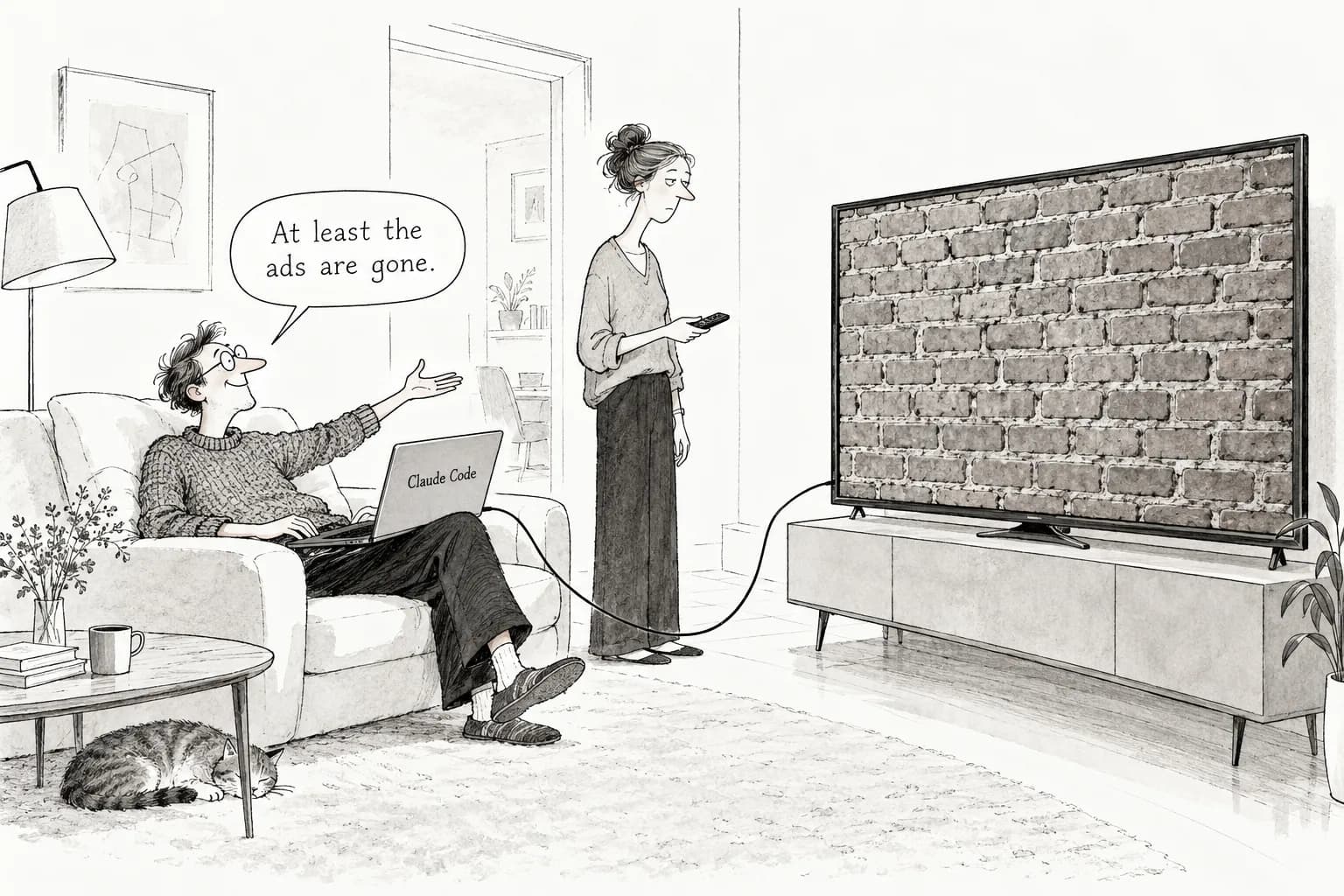
This is the important part: there were also reports of failures that week. According to TechCrunch and clauding.de, one person bricked an Android TV (broke it so it no longer boots, leaving it about as useful as a brick), and another person's Fire TV setup stopped partway through. Some people finish in 10 minutes and others get stuck. Results vary a lot depending on the TV model and its condition.
There were also several cases where Claude refused a bare request like "hack my TV." Users reportedly had to rephrase the request and explain what they were trying to do before it would continue. Even when you're modifying your own TV, some ways of asking look harmful to the AI.
The bigger concern is the risk. tbreak and artiverse.ca point out that the agent can sometimes disable packages it shouldn't. If system updates stop in particular, security holes that are discovered won't get patched. You might think you've removed the ads and end up with a vulnerable device that's still on the internet. artiverse.ca also warns about the danger of handing full ADB control of a TV to an agent: if malicious instructions were slipped into a repository or prompt, the AI might simply carry them out. We were unable to confirm that article's publication date, so treat it as background only. Still, for repositories with more than 10,000 stars and over 1,000 forks, it's probably only a matter of time before modified copies with similar names start circulating.
Samsung (Tizen) and LG (webOS), which together account for a large share of TVs sold worldwide, aren't supported at all. Haru's conclusion: if you have an Android TV or Fire TV, your model number is on the supported list, and the method only disables apps so it can be undone, it's well worth trying. But three things are essential. Have the agent list the packages it plans to disable before it runs, and check them yourself. Tell it at the start not to touch anything related to system updates. And download the tools from the official repositories.
Editorial cartoon