AI in the Field · Nov 3, 2026
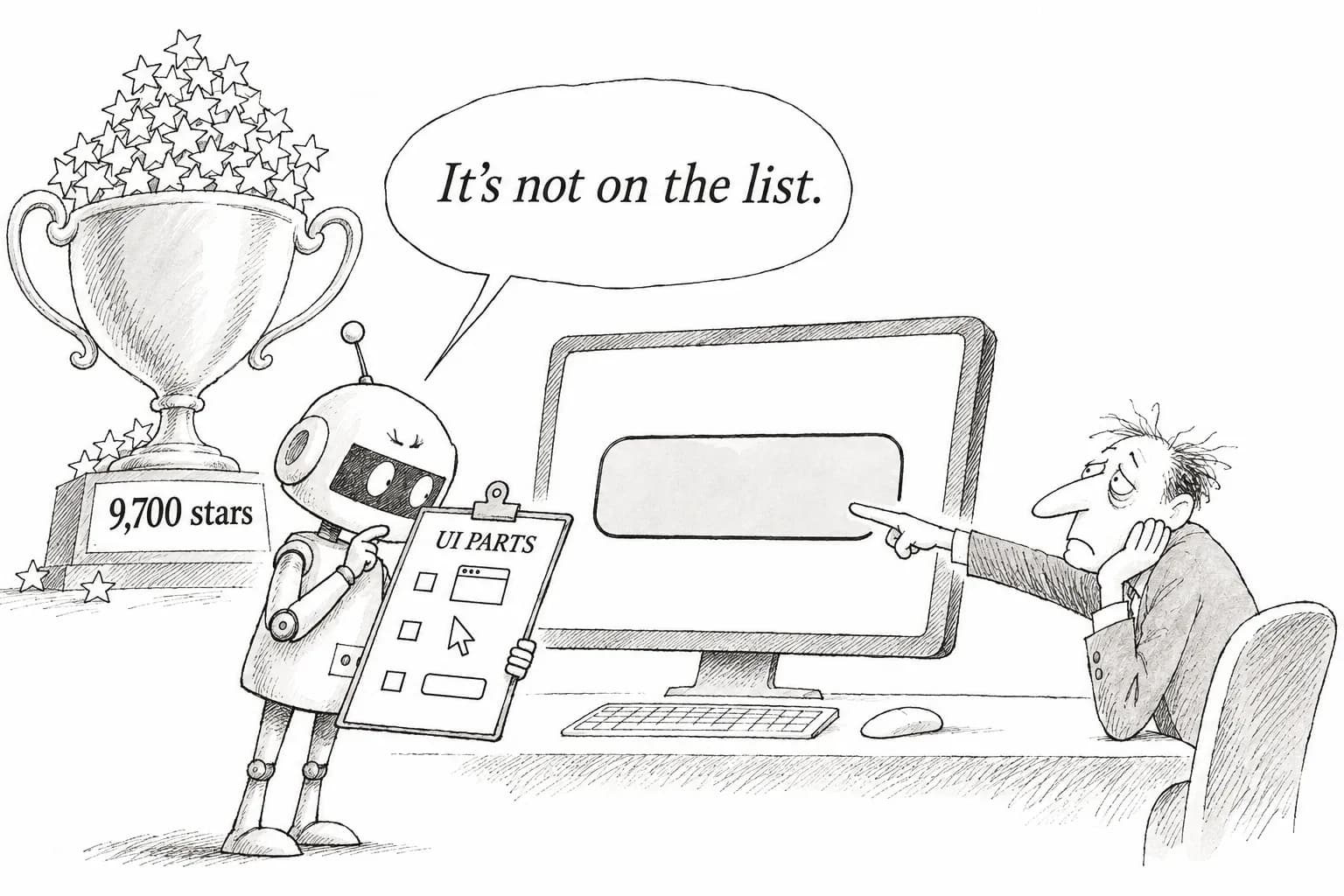
agent-desktop drives apps through a UI parts list instead of screenshots, gaining about 9,700 stars in three days
A new Vercel Labs tool has AI read a list of on-screen interface elements instead of screenshots. Hands-on reports, however, describe errors that stopped the tool and apps it could not see
Haru Misaki · Field Correspondent

Watch the video
Key points
- Instead of screen images, agent-desktop reads the OS's "list of interface elements" (the accessibility tree) and operates apps by referring to each element's reference number. It offers 56 commands and runs on macOS, Windows and Linux
- Stars jumped after the official launch on October 31. The repository reportedly gained 2,746 on November 2 alone, and as of November 3 it had about 9,700 stars and 657 forks
- A tester on Linux hit errors that stopped the tool three times. The "78–96% reduction" and "198,000 → 31,000 tokens" figures both come from the creator's side and have not yet been verified by third parties
Mention "having AI operate desktop apps," and most people picture an AI taking a screenshot, scanning it for a button and clicking. agent-desktop, which Vercel Labs (the experimental arm of Vercel, the company known for its website hosting service) officially announced on October 31, aims to change that at the root. Instead of showing the AI a picture of the screen, it hands over the operating system's own list of on-screen interface elements. Within three days of the announcement, the project had about 9,700 stars on GitHub. But reports from people who have actually tried it show that it cannot handle apps whose elements it cannot read, and that minor errors stop it from time to time. Based on online reports and the public source code, here is what works and what doesn't.
What it means for Japanese companies: It is one more way to hand off work in internal business apps and accounting software that have no web version and are still operated by hand. However, what the AI reads from the screen can end up in logs, so anyone testing it on a PC that displays customer information needs to decide in advance where those logs will be stored.
How it works: a tool that operates apps by reading a "list of parts"
The tool was built by Chris Tate of Vercel Labs, who also created the group's agent-browser (a tool that lets AI operate a web browser). He describes agent-desktop as "agent-browser extended to the whole computer." The code is available in the official GitHub repository. It is a CLI written in Rust and can operate apps on macOS, Windows and Linux.
The key is the accessibility tree. Originally built for the screen readers used by people with visual impairments, it is a structured list the OS keeps of the elements on screen: "there is a button here, named Save," "there is a text field here." agent-desktop passes this list to the AI, which then gives instructions such as "press the button with this number," using a reference number assigned to each element. Compared with guessing coordinates from an image, this makes mis-clicks less likely.
It works with any AI agent that can run text commands, whether Claude Code, OpenAI's Codex or the CLI version of Cursor. There are 56 commands in total. v1.0 was released on October 28 and the v1.0.2 fix on October 30, with the official announcement the following day.
The creator's main selling point is that the AI has less to read. According to the README, reading Slack's screen produces 3.6KB for the skeleton alone and 17.3KB for everything. For densely packed Electron apps like Slack (desktop apps built with web technologies; Slack and Teams are examples), the README says the amount read drops by 78–96%. Because AI cost and latency depend on the amount of text read (tokens), less input should mean lower cost and faster responses. However, these percentages come from the creator's side; more on that below.
About 9,700 stars in three days: how much attention has it drawn?
A GitHub star is something like a bookmark that says "this looks interesting." The repository had existed since September, but it took off after the official announcement on October 31. According to tallies from services such as Trendshift, which tracks repository popularity, it had more than 5,000 stars as of November 1, reportedly gained 2,746 on November 2 alone, and reached 9,341 on November 3 (up 2,243 that day). It reportedly ranked first in the Rust category of GitHub's trending list for several days in a row, and on November 3 it was said to top the ranking across all languages.
Over the 61 days from September 4 to November 3, the repository reportedly gained 8,612 stars, most of them in the few days after the announcement. On November 3, the repository showed about 9,700 stars and 657 forks (copies people make to modify for their own use).
Why did it strike such a chord? Our read: the screenshot approach is heavy because it sends an image to the AI every time, and it can miss a button by a few pixels. agent-desktop offers the idea of pressing elements by number from a parts list, and it can be called directly from the coding agents developers already use. That likely made many developers think, "I could try this in my own setup."
But stars measure interest, not satisfaction. That 9,700 people pressed the button does not mean 9,700 people got it working. What matters more are reports from people who actually used it, and that is where we turn next.
A hands-on report on Linux: what worked and what stopped
The most detailed account came from Flavio Copes, a developer who has long written a blog explaining web development, in his test report. He ran v1.0.2 on Ubuntu 24.04.5 (one of the major Linux distributions, here with an XFCE and X11 display setup).
First, what worked. He was able to launch the Mousepad text editor, read its contents, rewrite them and take a screenshot. The rewrite was done by setting the value of the text field directly rather than simulating keystrokes one character at a time. Reading a single Mousepad screen produced 271 reference numbers, and the screenshot measured 642×509 pixels. The default automatic wait after an action was 5,000 milliseconds (5 seconds). He also notes that on macOS, a helper program running in the background shuts itself down after 15 minutes of inactivity.
On the other hand, the tool stopped in three situations. First, when he tried to close Mousepad without saving, the "Save changes?" confirmation dialog got in the way and produced an action-failure error (ACTION_FAILED). Second, reference-number syntax: specifying an element with a shortened number triggered an invalid-argument error (INVALID_ARGS), and it only worked when written in the full form, including the long identifier for the window. Third, the Thunar file manager: although it was shown as running, a "window not found" error (WINDOW_NOT_FOUND) kept appearing and did not go away until he relaunched it with an option to bring it to the front of the screen.
Each of these is something a human watching nearby could fix immediately ("Oh, there's a dialog"). Leaving an AI to work unattended through a series of steps is a different matter: unless instructions for handling each error type are written in advance, the agent will get stuck partway. For now, it is not yet at the stage where you can leave it running and expect it to finish on its own.
The numbers are self-reported, and some apps are invisible
Now to the token-savings figures. An introductory article by Gabriel Anhaia on the developer publishing site DEV Community cites the creator's figures: reading Apple Maps takes 273 tokens with a narrowed scope versus 3,811 tokens for the whole window, and a 52-step task dropped from 198,000 tokens to 31,000. The article reportedly notes that there has been no third-party verification and no common yardstick yet for comparing the tool with others. Anhaia also writes that he has not tried the tool himself, and recommends testing read-only access first before letting it perform actions.
Another major hurdle is "invisible apps." The article highlights a reaction that "the accessibility tree is great until you hit a canvas-drawn app or a half-labeled Electron app." Canvas refers to drawing directly on screen instead of assembling interface elements, an approach common in design tools and games. From the OS's point of view, such an app looks like nothing more than one large picture. The README also states plainly that apps that do not expose an accessibility tree are invisible to the tool. In other words, older internal systems that don't expose a list of their elements cannot be handled by this tool at all.
The README also includes security warnings. Screen-read results, the clipboard, screenshots and activity logs may contain the contents of your desktop, so users should not post them in public logs or upload them anywhere. On macOS, the tool must also be granted permission to control other apps (accessibility permission). On a company PC, this is something to discuss with the IT department before going ahead.
There are several smaller limitations as well. On Linux, available features vary widely depending on whether the display system is the older X11 or the newer Wayland, and mouse operations work only on X11 or in a mode that keeps the screen displayed while running. Web pages cannot be operated with this tool; that requires its sibling, agent-browser. The bottom line is simple: first use read-only access to check whether the apps you use often show up as a list of elements, and if they do, start by handing off simple tasks that don't trigger confirmation dialogs. That order is the safest, and the quickest way to learn what the tool is and isn't good for.
Editorial cartoon